Enabling ReadyWorks Modules
-
Overview of Modules
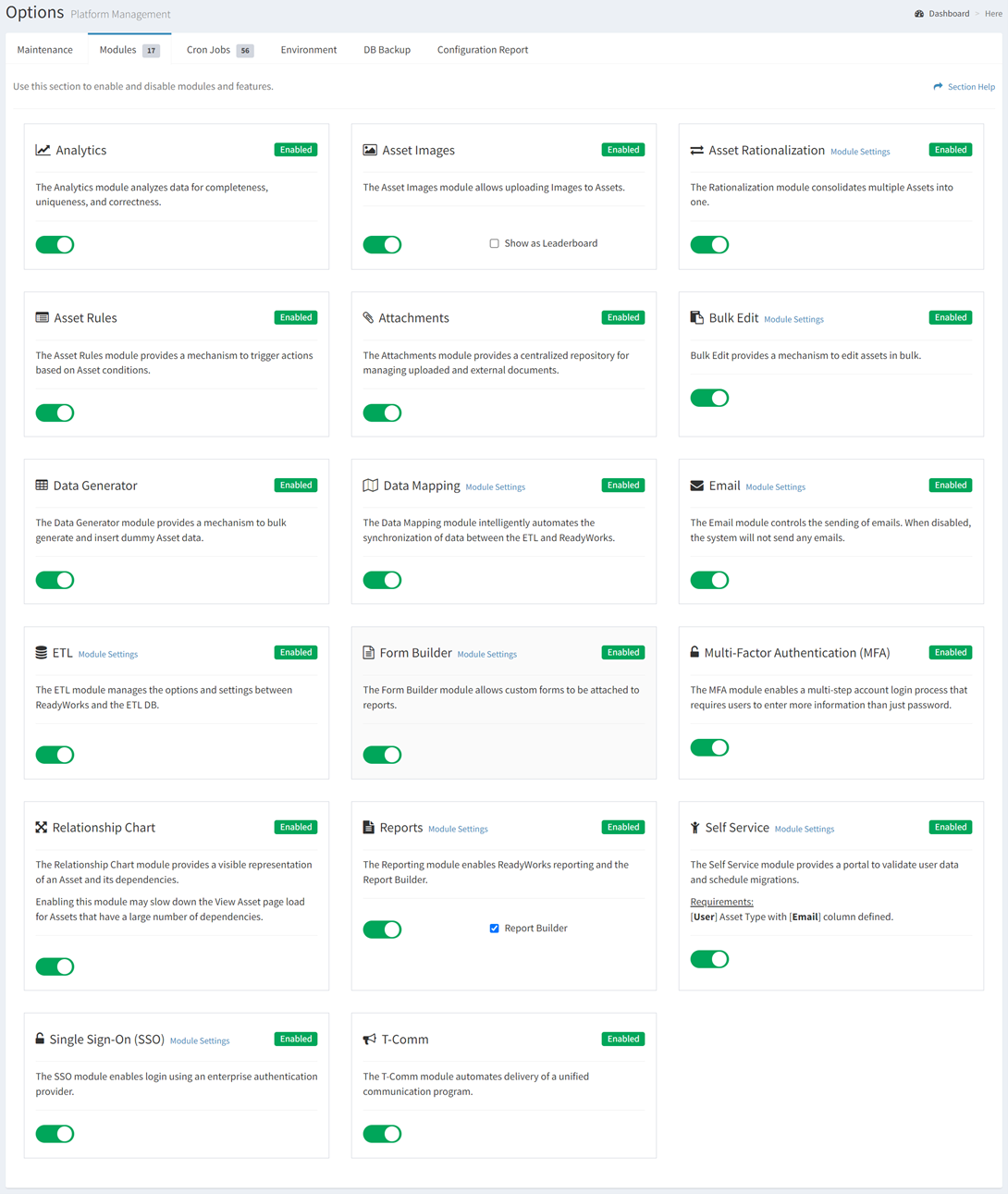
Various modules and features are available in ReadyWorks. The Modules tab on the Options page provides the ability to enable and disable ReadyWorks modules and features. To use a feature within one of these modules, it must first be enabled. Modules should only be enabled if they further the use case being deployed.
Typically Modules are enabled by shifting the toggle from RED to GREEN. In the example below, all modules are enabled.
Module
Description
Analyzes data for completeness, uniqueness, and correctness
Upload images to assets, for uses such as OCR
Consolidates multiple dissimilar assets into fewer categories
Condifitional actions triggered by asset consditions
Enables the attachment of uploaded file and/or external documents
Provides a mechanism to edit many assets at once
Provides a mechanism to bulk generate and insert dummy Asset data
Automates the synchronization of data between the ETL and ReadyWorks
Controls the sending of emails. When disabled, ReadyWorks will not send any emails.
Manages the options and settings between ReadyWorks and the ETL DB
Build custom forms to attach to reports
Enables a multi-step account login process that requires users to enter more information than just password
Provides a visible representation of an Asset and its dependencies
Enables ReadyWorks reporting and the Report Builder
Provides a portal to validate user data and schedule migrations
Enables login to ReadyWorks using your enterprise authentication provider
Coordinates triggered communications based on conditions within assets.